
Migration guide
Dental Software Migration: A Practical Guide
Plan dental data migration with an inventory, field mapping, rehearsal, reconciliation, exception review and controlled cutover.
At a glance
Dental software migration moves records and preserves their meaning in another system. A successful import message is only one check. Validate completeness, relationships, dates, attachments and financial control totals before approving a production change.
Evaluation guidance from the DentalSoftware.online team. See what our private prototype currently supports.
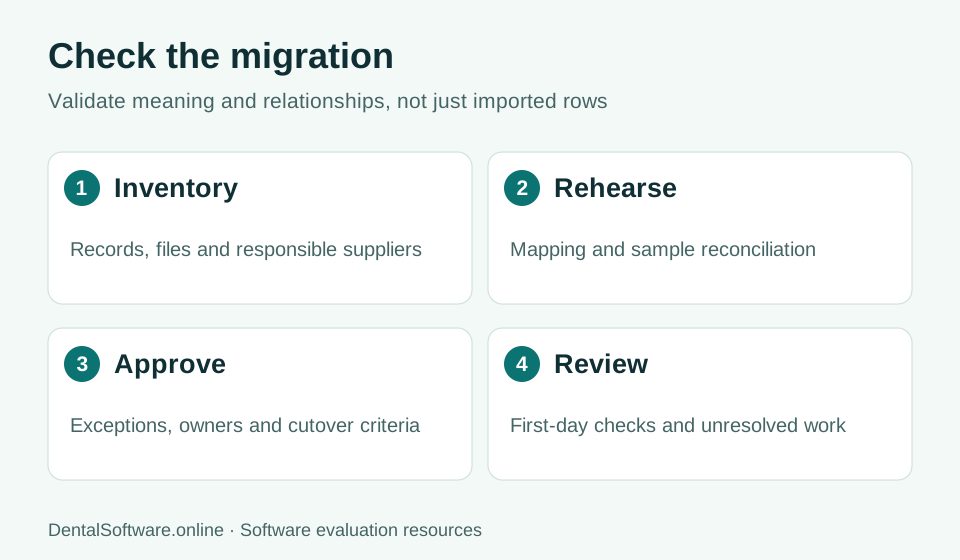
- Inventory records and map fields.
- Rehearse the move and reconcile records.
- Approve exceptions before cutover.
- Review unresolved work after the transition.
Inventory records and dependencies
List demographics, appointments, clinical entries, documents, images, balances and configuration. Identify which supplier controls each source and who can authorize an export. Include inactive records, custom fields and external imaging references so that the scope does not silently shrink to the easiest tables.
Map fields and identify exceptions
Create a mapping register with source field, destination field, format and transformation. Retain stable identifiers to check relationships. Record every unsupported field or record type and decide whether it requires correction, a separate archive or continuing legacy access. Clinical fidelity must be reviewed by appropriately qualified practice staff.
Rehearse and reconcile
Compare source and destination counts, sample histories and agreed financial control totals. Open attachments and check their association with the correct patient and visit. Include edge cases such as duplicate names, old appointments, corrected notes and partial payments when those records are in scope.
Control the cutover
Agree on a final extraction time, changes permitted during the freeze, rollback criteria and responsibility for reconciling late activity. Train staff using the approved destination workflow. Keep the exception register and acceptance evidence available after launch; unresolved records do not become correct simply because the project date has passed.
| Record set | Validation | Reviewer |
|---|---|---|
| Patients and appointments | Counts, identifiers, dates and relationships | Practice coordinator |
| Clinical history and files | Representative records and documented exceptions | Qualified clinical reviewer |
| Balances and transactions | Agreed control totals and sample allocations | Financial reviewer |
| Access and operations | Role scenarios, exports and recovery process | Practice owner and IT lead |