
Dental software migration
Dental Software Migration Planning
Explore dental migration guides for exports, mapping, reconciliation, staff training and cutover. Production conversions into our prototype are not available.
At a glance
A dental software migration plan should define what moves, what cannot move directly, how records are validated and who accepts the result. Use the guides below to prepare a scoped discussion with source and destination vendors.
Private prototype for fictional data: practice workflows, role-scoped staff web tools and optional website previews. Implemented does not mean clinically accepted. Tester access, native apps, live integrations and clinical readiness remain unverified.
See implemented features and remaining release gates →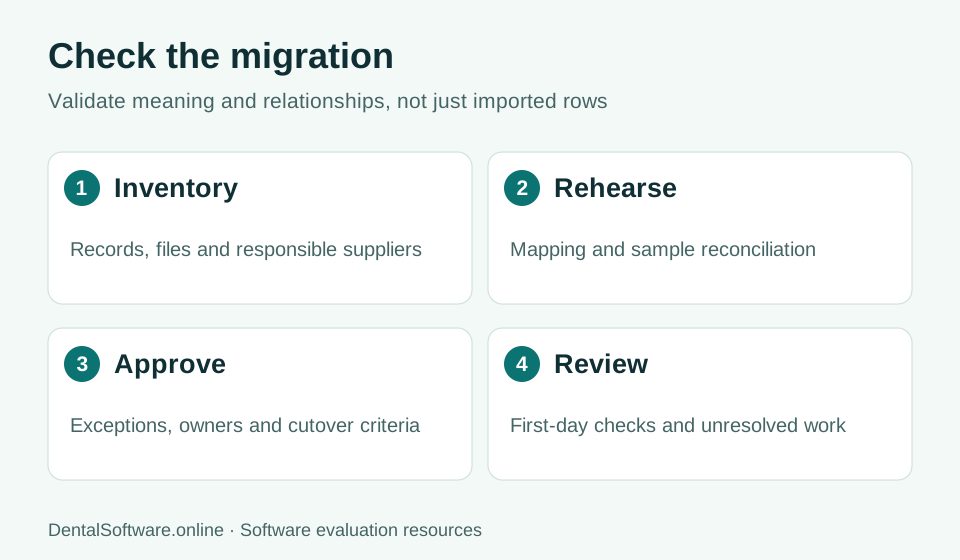
- Inventory records and map fields.
- Rehearse the move and reconcile records.
- Approve exceptions before cutover.
- Review unresolved work after the transition.
Jane Migration Planning Guide
Plan a possible move from Jane: export inventory, field mapping, validation, training and cutover. No automated conversion into our prototype is available.
Read the guide →Open Dental Migration Planning Guide
Plan a possible move from Open Dental: export inventory, field mapping, validation, training and cutover. No automated conversion into our prototype is available.
Read the guide →Dentrix Migration Planning Guide
Plan a possible move from Dentrix: export inventory, field mapping, validation, training and cutover. No automated conversion into our prototype is available.
Read the guide →Start with an inventory
Identify the current product, edition, databases, files and connected services. Record who owns the export and the permission required to obtain it. Describe the scope in business terms before transferring any data.
Require a rehearsal
Ask for mapping and reconciliation evidence, including representative record histories and attachments. Assign clinical and financial reviewers where relevant. An import that finishes without an error can still contain incomplete or incorrectly associated information.
Protect the transition
Agree on training, a final extraction window, rollback triggers and legacy access. Our private prototype has no released production migration service, so use fictional examples when discussing future requirements.