
Implementation guide
Dental Software Implementation Checklist
Use a dental software implementation checklist covering discovery, configuration, migration, training, acceptance tests and launch support.
At a glance
A dental software implementation needs clear owners, a rehearsed migration, staff practice and written go-live criteria. Work backward from the required outcomes rather than setting a launch date before dependencies and data quality are understood.
Evaluation guidance from the DentalSoftware.online team. See what our private prototype currently supports.
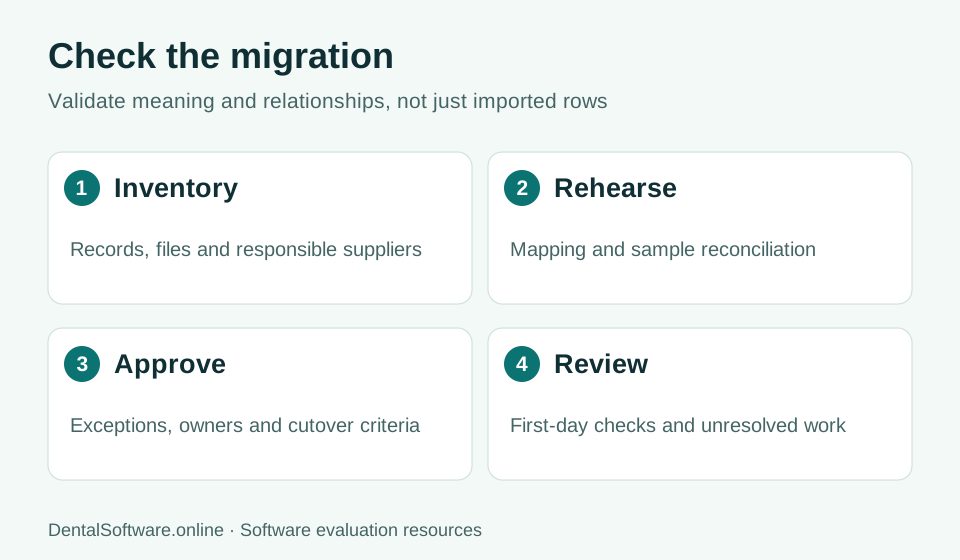
- Inventory records and map fields.
- Rehearse the move and reconcile records.
- Approve exceptions before cutover.
- Review unresolved work after the transition.
Discovery and ownership
Name a practice decision-maker, project coordinator and reviewers for clinical, administrative and financial workflows. Inventory devices, integrations, user roles and records that must move. Keep an issue list with an owner and due date. Confirm who can accept a limitation and who can postpone launch if a critical dependency is unresolved.
Configuration and rehearsal
Set up appointment types, locations, permissions and required reference data in a controlled environment. Use fictional data first. When a production migration is appropriate and authorized, validate record counts, relationships, documents and control totals through the agreed secure process. Keep unresolved conversion exceptions visible to the people who must approve them.
Training and acceptance
Train each role on its actual tasks and common failures. Ask staff to complete the workflow themselves rather than only watching a presenter. Include staff departure, a schedule conflict, a mistaken entry and a failed integration. Record the result and the evidence needed to close each issue.
Cutover and first-week support
Agree on the final export window, change freeze, support contacts, rollback triggers and access to legacy records. Reconcile the first operating day before treating the switch as finished. Review open issues with the team and distinguish urgent safety or financial problems from later convenience improvements.
Practical checklist
- Every essential workflow passed by its responsible team
- Migration exceptions accepted by named reviewers
- Access and recovery arrangements documented
- Staff can perform their tasks without the presenter
- Support and rollback responsibilities agreed
- First-day reconciliation and follow-up review scheduled