
Dentrix alternative
Dentrix Migration Planning Guide
Plan a possible move from Dentrix: export inventory, field mapping, validation, training and cutover. No automated conversion into our prototype is available.
At a glance
A migration from Dentrix begins with an authorized export inventory and a destination that can preserve the records your practice needs. Request a written scope and validate a test conversion before considering a live switch.
Private prototype for fictional data: practice workflows, role-scoped staff web tools and optional website previews. Implemented does not mean clinically accepted. Tester access, native apps, live integrations and clinical readiness remain unverified.
See implemented features and remaining release gates →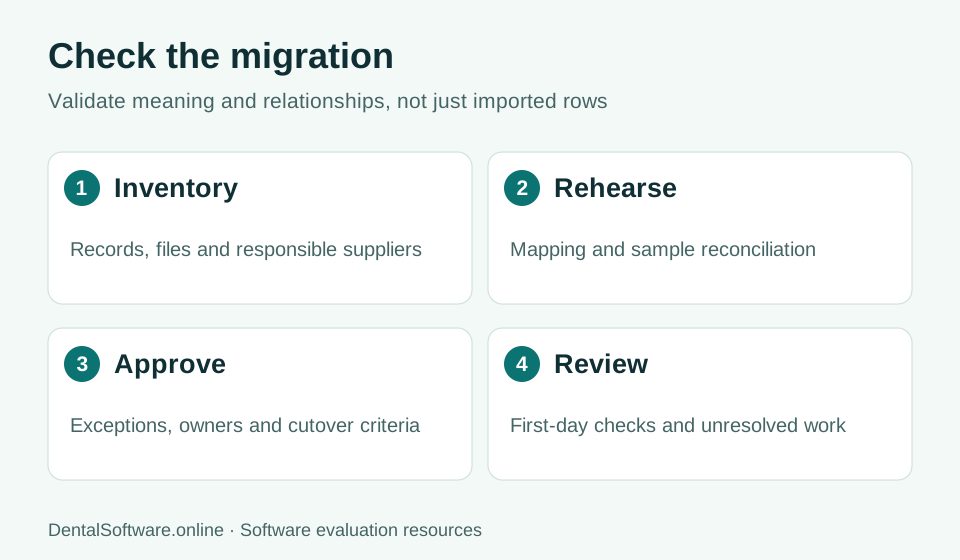
- Inventory records and map fields.
- Rehearse the move and reconcile records.
- Approve exceptions before cutover.
- Review unresolved work after the transition.
Inventory the source
Identify the exact product and edition before planning an export. List connected imaging, claims, payment and communications services, and confirm which records and attachments each supplier controls.
Agree on mapping and exceptions
For every record type, identify the source field, destination field, identifier and transformation. Keep unsupported data on an exception list with a named reviewer. Decide how legacy records remain accessible if they cannot be represented fully in the new system.
Reconcile a rehearsal
Compare counts, a representative selection of patient histories and any financial control totals. Test attachments and relationships, not only demographic rows. The clinic should approve exceptions before scheduling a cutover, and qualified staff should review clinical record fidelity.
Plan timing and availability
Agree on a change freeze, final export, training, support coverage and rollback criteria. Our dental prototype has no released production migration tool or guaranteed conversion from this vendor. Share high-level requirements through the enquiry form; do not upload live records.
Common questions
Can I import my Dentrix data into the prototype now?
No production conversion is available. The prototype is for fictional demonstration data, and the public enquiry form must not receive patient exports.
Official references
Use these sources to verify current requirements and product information for your own evaluation.